JD Ultra ID Verification: What Documents You Need and How Long It Takes
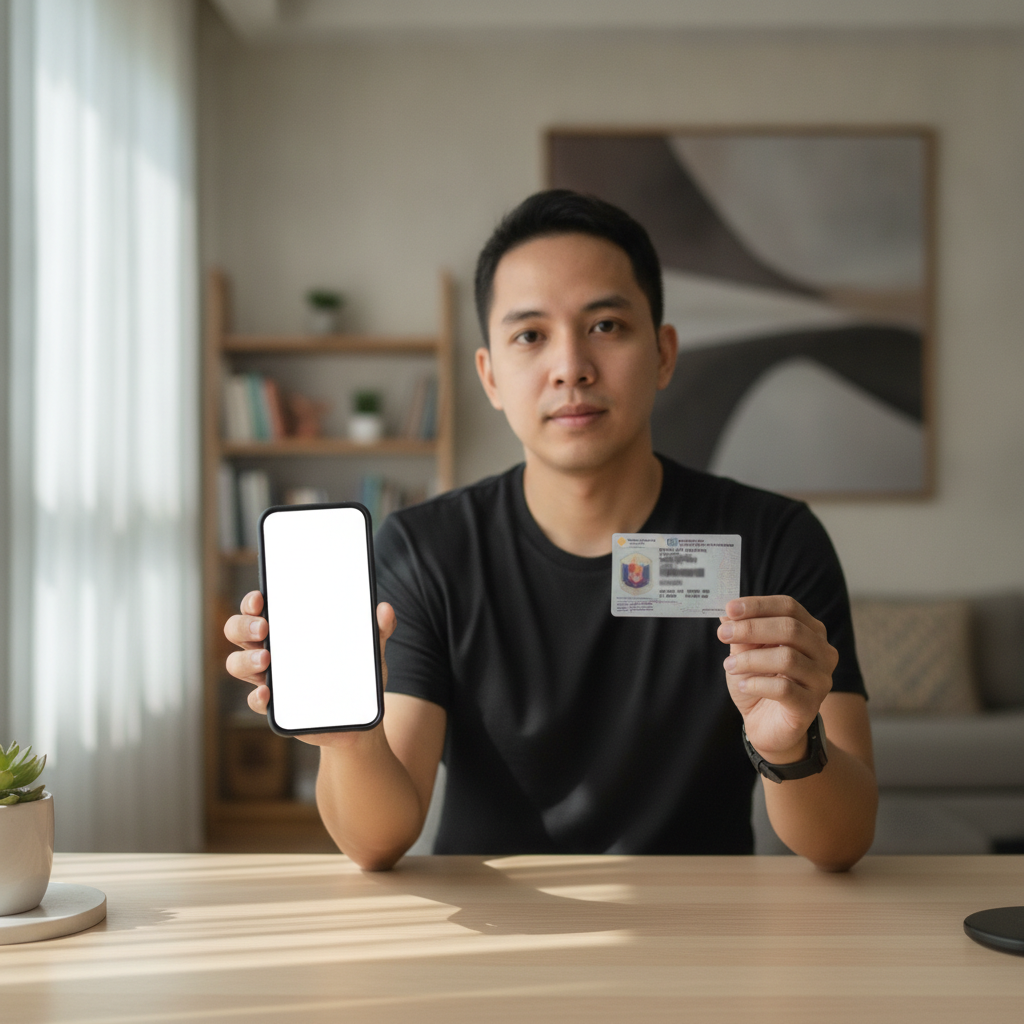
Why JD Ultra Requires ID Verification
When you register a JD Ultra account and make your first deposit, the platform will ask you to verify your identity. This step is required for every player before they can withdraw winnings.
ID verification serves two main purposes. First, it confirms that all players are 21 years old or above, which is the minimum age requirement for online casino and sports betting in the Philippines. Second, it protects your account from unauthorized access and helps prevent fraud.
You cannot skip this process. Even if you fund your account with GCash or Maya and start playing slots or betting on PBA games right away, JD Ultra will ask for your documents before processing any withdrawal. It is faster to complete verification early, right after your JD Ultra login, so you are ready when you want to cash out.
Accepted ID Documents in the Philippines
JD Ultra accepts the following government-issued IDs for Filipino players:
UMID (Unified Multi-Purpose ID) – Issued by the SSS, this is one of the most commonly accepted primary IDs in the Philippines. Upload a clear photo of the front side showing your photo, full name, date of birth, and UMID number.
Driver's License – The Philippine driver's license from the Land Transportation Office (LTO) works for verification. Make sure the card is not expired and that your photo and birthdate are visible.
Philippine Passport – Your passport bio page (the page with your photo and personal details) is accepted. It does not need to be valid for travel, but should not be more than a few years expired.
Postal ID – Issued by PHLPost, the Postal ID is another valid option. Upload the side that shows your photo, name, and date of birth.
National ID (PhilSys) – If you have the new Philippine Identification System (PhilSys) ID, you can use it for JD Ultra ID verification. Submit the front side with your photo and details.
In general, JD Ultra requires one valid primary ID. Some players may be asked to submit a second document or a selfie for additional confirmation, especially if the first upload is unclear or if account details do not match the ID exactly.
Make sure the name on your ID matches the name you entered during JD Ultra register. If there is a mismatch—such as a nickname instead of your legal first name—verification may be delayed or rejected.
How to Upload Your ID and Selfie on Mobile
Most Filipino players access JD Ultra on Android phones, so the upload process is designed to work smoothly on mobile. Here is how to submit your documents step by step.
Step 1: Log In and Go to Account Settings
After your JD Ultra login, tap the menu icon (usually three lines or your profile picture) and look for "Account," "Profile," or "Verification." The exact label may vary, but it is typically in the main account menu.
Step 2: Select the Document Type
Choose the type of ID you are uploading from the dropdown list. Select "Driver's License," "UMID," "Passport," or whichever document you have ready. This tells the system what to expect and helps speed up review.
Step 3: Take or Upload a Photo of Your ID
You can either take a new photo using your phone camera or upload an existing image from your gallery.
Mobile photo tips:
- Use natural light or a bright room. Avoid shadows or glare on the ID card.
- Lay the ID flat on a dark or plain background so all edges are visible.
- Hold your phone directly above the card and keep it steady. Blurry photos will be rejected.
- Make sure all four corners of the ID are in the frame and that text is readable.
- Do not cover any part of the ID with your fingers.
If your photo is too large, most phones will compress it automatically when you upload. JD Ultra typically accepts JPEG and PNG formats.
Step 4: Upload a Selfie (If Required)
Some players are asked to take a selfie holding their ID next to their face. This is called a "liveness check" and confirms that the person submitting the document is the same person in the ID photo.
Selfie tips:
- Use the front camera of your phone in a well-lit area.
- Hold your ID beside your face, with the photo side visible.
- Make sure your face and the ID photo are both clear and in focus.
- Remove sunglasses, hats, or anything covering your face.
- Keep a neutral expression and look directly at the camera.
Step 5: Submit and Wait for Confirmation
After uploading, tap "Submit" or "Confirm." You should see a message confirming that your documents have been received. JD Ultra will review your submission, and you will get an update by email or in-app notification.
Do not upload multiple times unless you are told your first attempt was rejected. Sending duplicate documents can slow down the process.
Typical Verification Timeline and What Happens Next
Most JD Ultra ID verification requests are processed within 24 to 48 hours on business days. If you submit documents on a weekend or holiday, expect a slight delay.
During busy periods—such as right before a major PBA finals series or a big NBA playoff weekend—verification may take up to 72 hours. The platform reviews submissions manually to ensure accuracy and security.
What Happens After Approval
Once your ID is verified, you will receive a notification confirming that your account is fully activated. You can now:
- Withdraw your winnings to GCash, Maya, or bank transfer via InstaPay or PESONet
- Access your full betting and withdrawal history
- Increase deposit or withdrawal limits (depending on account tier)
There is no need to verify again unless you change your registered name, phone number, or linked e-wallet, or if JD Ultra requests updated documents for security reasons.
What If Your Documents Are Rejected
If your ID upload is rejected, JD Ultra will usually explain why. Common reasons include:
- Blurry or low-resolution image
- ID is expired
- Name on the ID does not match the name on the account
- Important details (birthdate, photo, or ID number) are not visible
- Wrong document type was selected
If this happens, simply re-upload a clearer photo or the correct ID type. You will not be locked out of your account, but you will still be unable to withdraw until verification is complete.
Tips for a Smooth Verification Experience
Complete verification early. Do not wait until you win and want to withdraw. Verify your account right after JD Ultra register so there are no delays later.
Double-check your registration details. Make sure the name, birthdate, and contact information you entered match your ID exactly.
Keep your ID handy. Have a physical copy of your UMID, driver's license, or passport ready before you start the upload process.
Use a stable internet connection. Upload on Wi-Fi or strong mobile data to avoid failed uploads or corrupted image files.
Do not edit or filter your ID photo. Submit the original, unaltered image. Cropping to fit is fine, but do not adjust brightness, contrast, or colors in a way that changes how the ID looks.
Responsible Gambling Reminder
JD Ultra is for players aged 21 and over. ID verification helps enforce this rule and keep underage users off the platform.
Even after your account is verified and you start enjoying slots, live dealer games, or sports betting on NBA and volleyball, remember to play responsibly. Set a budget before you deposit, and never bet more than you can afford to lose. If you feel that gambling is becoming a problem, take a break or seek help from local support services.
Verification is not just a regulatory step—it is part of keeping the JD Ultra community safe and fair for everyone.
Final Thoughts
JD Ultra ID verification is a straightforward process that protects both you and the platform. By uploading one valid government-issued ID and following the mobile upload tips above, most Filipino players get approved within one to two days.
Once verified, you can focus on exploring the casino, trying your luck on jackpot slots, or placing your first bet on a PBA game—knowing that when you are ready to withdraw, your account is ready too.